
Search Walworth County Police Records
Walworth County Police Records are easiest to sort when you begin with the sheriff office and then move to the jail or court tools only if the file has already moved there. The county jail is a major part of the local record path, and the inmate search system shows status, court information, release data, and bond details. That means a single booking can create several useful public points of contact. If you know which part of the record you need, the county tools give you a faster route and keep you from asking the wrong office for the wrong document.
Walworth County Police Records Requests
The Walworth County Sheriff’s Office is the county gateway for Walworth County Police Records. The sheriff page connects the public to the inmate search tool and gives the county a direct place to begin a request. The separate Corrections page explains the jail mission and the fact that the facility holds both male and female inmates in direct supervision housing units. Together, those pages make it clear that the sheriff office and jail are the core county custodians for the law enforcement side of the file.
The county’s request path is practical rather than complicated. If you are asking about an arrest, the inmate search may tell you whether the person is already in custody and whether a bond amount or pending case appears. If you are asking about the jail side of a record, the corrections page gives the context you need before you call. If the matter later became a court case, the public docket can be checked in the Wisconsin court system. Walworth County Police Records are usually easier to find when you follow that sequence instead of guessing which office has the file.
When you ask for a record, keep the details narrow and useful.
- Name of the person involved
- Date or approximate date of the event
- Location of the incident or arrest
- Type of record you want
- Case number, if you have one
The corrections page adds an important local detail. Walworth County Jail opened in 1995 and expanded in 2003 to a 512-bed facility. That tells you why jail status is such a big part of Walworth County Police Records searches. The sheriff office and jail handle a large share of the county’s immediate custody information, while the search tool helps the public confirm whether the booking is active, pending, or already tied to release information.
Walworth County Police Records and Jail
The Walworth County Inmate Search is the county’s main public tool for checking current custody. The research says the locator provides inmate status, pending court cases, release information, and bond information. It also refreshes at regular intervals, which means a recent arrest may not appear right away. That detail matters. If a name does not show up immediately, the booking may still be in process or the person may not have reached the jail yet.
For families, attorneys, and the public, that makes the inmate locator the fastest first check. If the person appears, the site can help you see the basic jail picture without calling the facility. If the person does not appear, the county tells you to check back after a short period before placing a phone call. That guidance is useful because it explains the county’s workflow instead of leaving the public to guess. Walworth County Police Records searches often start with that one simple question: is the person in the jail database yet?
The Inmate Information page adds the next layer. It gives access to visitation, telephone use, commissary, and mail information, and it links back to the inmate search tool. That tells you the county treats custody records as part of a larger jail process, not just a line on a screen. If you need the detention side of Walworth County Police Records, the inmate search and inmate information pages together give you the public-facing path.
Walworth County Police Records and Courts
If a Walworth County Police Records matter turns into a filed case, the court side becomes the next useful step. Wisconsin Circuit Court Access is the statewide public docket tool for that follow-up. It helps you confirm whether a criminal, traffic, or other public case exists and gives you the basic case history that follows a booking or citation. That is especially helpful when the inmate search shows pending court cases and you want to see the public docket without waiting for a phone response.
WCCA is also the right place to verify whether a name belongs to a filed case or only to a jail record. The locator can show custody status and bond information, but it does not replace the court docket. The court system tells you whether the matter moved into an actual case and what the public hearing trail looks like. For Walworth County Police Records, that distinction matters because the county jail, the sheriff office, and the court each hold different parts of the same event history.
When you combine the inmate search with WCCA, you get a clearer picture. The jail side tells you whether the person is held, released, or pending. The court side tells you whether a case has been filed and what the public status is. That combination is the most practical way to work through Walworth County Police Records without assuming the sheriff office has every answer in one place.
Walworth County Police Records Sources
The sheriff office page at Walworth County Sheriff is the main county source for Walworth County Police Records. It is the public gateway into the inmate search tool and the jail system, and it gives the county a direct place to start when a record question is tied to custody. The sheriff office page is also useful because it shows that the inmate search is a formal county tool rather than a third-party database.
The corrections page at Walworth County Corrections gives the detention context. It describes the jail mission, the bed count, the housing style, and the fact that inmates may be held pending sentencing or bond and bail arrangements. That makes it a strong source for Walworth County Police Records because it tells you what the jail is responsible for and why custody records matter so much in this county.
The county also uses a vendor request portal, but that should be treated as a routing clue only. The NextRequest pages are not the substantive record policy. The real county record path is the sheriff office, the jail, and the public inmate search tool. If you need the public record trail, those county pages are the ones that matter.
Walworth County Police Records Images
The county homepage at Walworth County government is a useful visual starting point for a Walworth County Police Records search.
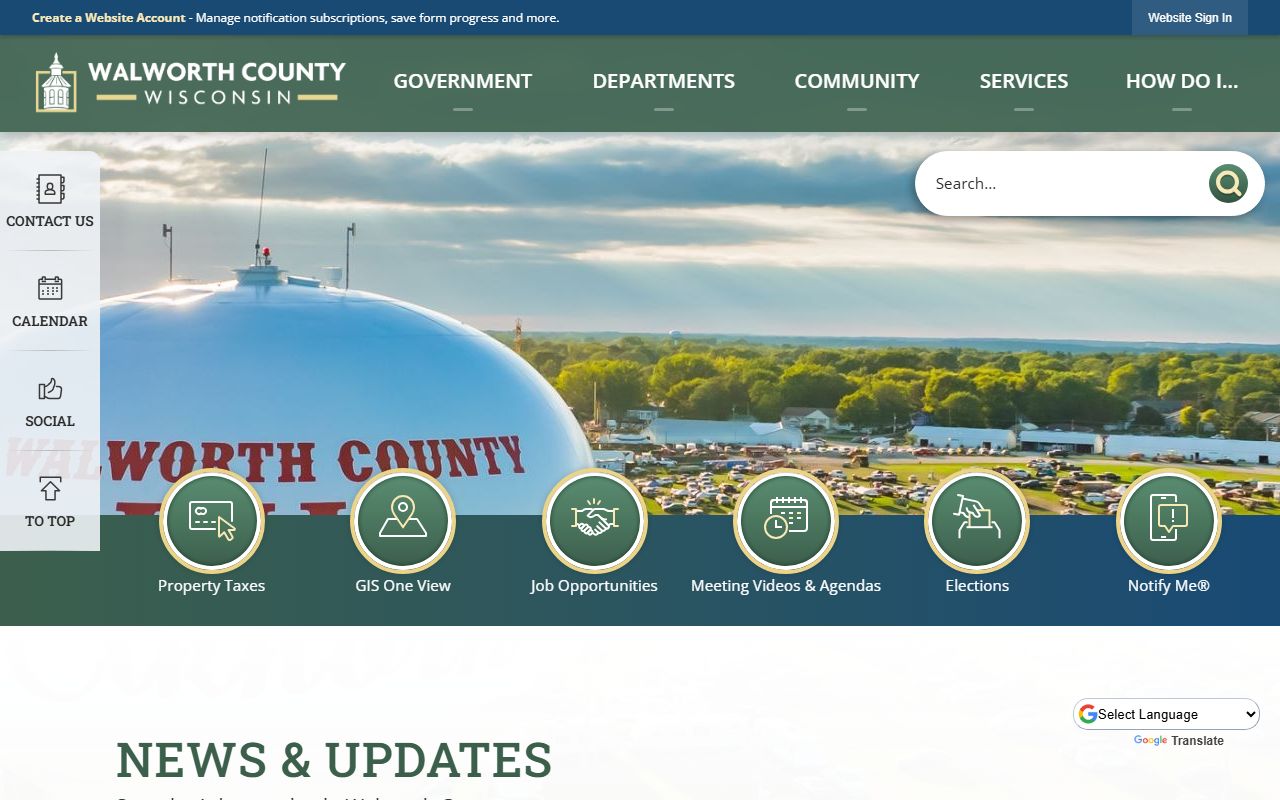
That page helps orient the search before you move into the sheriff office or the inmate tools.
The sheriff request portal at Walworth County Sheriff request portal is a vendor routing page, so it should be treated as a clue about intake rather than the source of the county policy itself.
It still shows how Walworth County Police Records requests are funneled toward the sheriff office.
The county request portal at Walworth County records request portal gives the same routing signal on the broader county side.
Use it as a route marker for Walworth County Police Records, not as a substitute for the county sheriff or jail pages.
Walworth County Police Records Help
If you are not sure where to start, match the question to the office. A custody question belongs with the inmate search. A jail services question belongs with inmate information. A report or arrest question starts with the sheriff office. A court outcome belongs with WCCA. That simple split keeps Walworth County Police Records searches focused and reduces the chance of bouncing between offices.
It also helps to be specific. Give the person’s name, the date or date range, the location, and the record type. If you already have a case number, add it. If you want the jail side, say that. If you only need the public court docket, say that too. Walworth County Police Records are easier to find when the request says exactly what file you are after and does not force the office to guess at the scope.
When a name does not appear right away in the inmate search, the county tells you to check back after a short period. That is normal in a booking process that updates at intervals rather than in real time. Keep the request, note the office that answered, and use the jail tools and WCCA together to finish the search.