
Search Outagamie County Police Records
Outagamie County Police Records are easiest to sort when you begin with the office that actually keeps the file. The sheriff office handles reports, records requests, jail information, and the correctional side of custody, while the clerk of circuit courts becomes the next step once a case moves into court. That split matters because Outagamie County has a busy law enforcement system with both county and municipal activity. If you know whether you need a report, a booking, a court case, or a custody check, you can move through the county's official tools without guessing which office owns the record.
Outagamie County Police Records Requests
The best starting point for Outagamie County Police Records is the sheriff office page at Outagamie County Sheriff's Office. The page places the office at 3030 E. Goodland Drive in Appleton, lists the non-emergency administrative phone as (920) 832-5605, and shows the jail and 9-1-1 center at 320 S. Walnut Street. It also makes clear that the sheriff office handles patrol, investigations, civil process, jail administration, and public records. That is useful because a report request is much easier when you send it to the office that created the file instead of a general county address.
The sheriff office open-records page at Outagamie County Open Records Request gives the practical request path. The office says it responds as soon as practicable and without delay, and it directs people to call during business hours to speak with records staff. The page also states that printed copies are $0.25 per page and that complex or voluminous requests may need more time. For Outagamie County Police Records, that means the county is giving you a clear front door for incident reports, accident reports, and other law enforcement files without pushing you into an outside vendor portal.
If you are making a request, keep it specific. Name the person, date, location, and record type. If you already have a case number, include it. If you only need a copy of a crash report, say that plainly. The open-records page notes that requests must be reasonably specific, which is especially important in a county this large. A tighter request is easier for records staff to find, easier to review, and easier to release. That is true whether the file is an incident report, a statistical summary, or a later follow-up record.
Outagamie County Police Records and Courts
Many Outagamie County Police Records become court records after an arrest or citation is filed. The county court page at Outagamie County Clerk of Circuit Courts is the next official stop when the matter has moved beyond the sheriff's office. The clerk page is the county's court record hub, and the research also notes that the Clerk of Courts office is reachable at (920) 832-5131. If you need to know whether a report became a criminal, traffic, family, civil, or ordinance case, the clerk and the state court system are the right pair to use.
Wisconsin Circuit Court Access is the best statewide companion for Outagamie County Police Records that have become filed cases. WCCA lets you search by party name or case number and see the public side of the docket, including charges, hearing dates, and disposition information. It does not replace the full record, but it quickly answers the first question most people have: did the report turn into a court case, and if so, what is the file number? That is a practical way to separate the sheriff record from the court record before asking for copies.
The county law library directory at Outagamie County law library directory is useful when the records trail gets wider. It points to the clerk of courts, the sheriff, the county clerk, victim and witness assistance, and legal aid contacts. That helps when Outagamie County Police Records involve a report, a court case, and a follow-up question about a legal document or filing. The directory is not a replacement for the county office, but it does show how the county's records system fits together.
Outagamie County Police Records and Jail Status
Custody information is a major part of Outagamie County Police Records because the corrections division maintains an active jail roster and recent booking report. The corrections division page at Outagamie County Corrections Division says the jail has 556 beds, handles adult male and female inmates, and provides medical, educational, emotional, spiritual, and nutritional services. It also lists central control at (920) 832-5266 for inmate information, which is available 24 hours a day. That makes the corrections division the right place to check when the question is about custody rather than the original incident.
The current inmate roster at Outagamie County Inmate List is especially useful because it refreshes every 30 minutes during normal business hours. It shows current inmates, housing location, bond, and other custody notes. The recent bookings report adds another layer by showing adults booked in the last 24 hours. Together, those tools make Outagamie County Police Records easier to track when a person has moved from a report into custody. If you need to confirm where someone is today, the jail tools are much faster than waiting for a written response.
Outagamie County's corrections side is also important because the county has a large jail and a busy public safety workload. A booking can change the next step, and the jail tools help you see whether the matter is still active, whether bond has been posted, and whether the person is still in custody. For Outagamie County Police Records, that makes the corrections division a practical companion to the sheriff records request page and the clerk of courts page. The pieces fit together, but they are not the same record.
Outagamie County Police Records Sources
The county home page at Outagamie County government is the broad public entry point, but the sheriff page is the more useful records source. The sheriff page at Outagamie County Sheriff's Office confirms the office's role in patrol, investigations, jail administration, and civil process. It also shows that the county expects the public to use its own official website and social channels for timely information. For Outagamie County Police Records, that is an important signal that the county wants requests routed through its own records staff rather than through a third-party search site.
The open-records page at Outagamie County Open Records Request gives the direct request instructions and the page for report copies. The corrections division page at Outagamie County Corrections Division gives the custody and booking path. The clerk page at Outagamie County Clerk of Circuit Courts gives the court file path. Those three official county pages are the backbone of an Outagamie County Police Records search and make it possible to follow a matter from report to jail to court without relying on outside sites.
If you need a statewide cross-check, WCCA and the Wisconsin law library directory provide the backup. WCCA tells you whether the case became public court business, and the law library page helps you find the correct county office if you still need contact details or a broader legal reference. That is usually enough to keep an Outagamie County Police Records search precise and local.
Outagamie County Police Records Images
The county home page at Outagamie County government is the best county-wide visual starting point for an Outagamie County Police Records search.
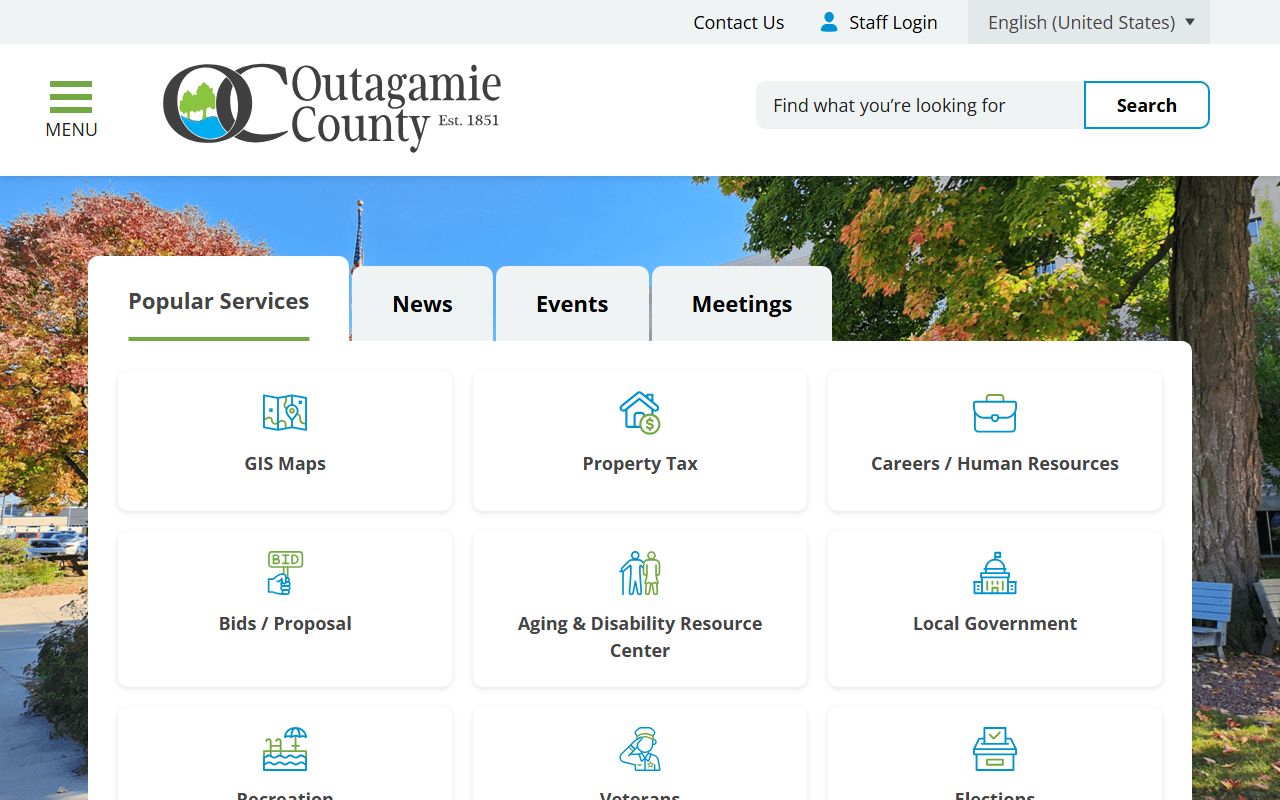
It helps you orient the search before you move into the sheriff office, corrections division, or clerk of courts.
The sheriff request portal at Outagamie County Sheriff request portal is a vendor routing page, so it should be treated as a clue to the request path rather than as the substantive policy source for Outagamie County Police Records.
It still confirms that the sheriff office is the agency behind the public request process.
Outagamie County Police Records Help
If you are not sure where to begin, start with the record type. For a report or accident file, use the sheriff open-records page. For a jail status check, use the corrections division tools. For a filed case, use WCCA and then the clerk of circuit courts for copies or certified documents. That simple sequence keeps Outagamie County Police Records moving in the right direction without bouncing between offices.
It also helps to be careful with municipal records. Outagamie County includes Appleton and other local agencies, but a county page should stay county-focused. If the matter happened in county jurisdiction or was handled by the sheriff, the county pages above are the right place to start. If the matter moved to court, the clerk and WCCA are the correct next step. The county tools are enough for most searches when you use them in order.
When you submit the request, be specific, concise, and direct. Name the person, date, place, and exact record you want. That approach gives Outagamie County Police Records staff the details they need to locate the file and tell you what can be released.