
Search Janesville Police Records
Janesville Police Records are easiest to track when you start with the city police department's own records path and then move to the incident report form, citation payment page, or Rock County support only if the file has already shifted outside the police department. Janesville has a police-specific portal, a separate general city portal for non-police material, and a self-report form for certain belated incidents. That means the first task is choosing the right record path. Once you know whether you need a report, a crash file, or a citation record, the rest of the search becomes much simpler.
Janesville Police Records Requests
The city police pages at ci.janesville.wi.us/police and janesvillewi.gov/police point to the same department and records route. Those pages list the Police Services Building at 100 N. Jackson Street, the general phone number at (608) 755-3100, the non-emergency number at (608) 757-2244, and the office hours of Monday through Thursday from 8:00 a.m. to 4:30 p.m. and Friday from 8:00 a.m. to noon. That gives the public a concrete place to start when a Janesville Police Records search needs a real person, a real office, and a real schedule.
The police page also points the public toward separate records and accident-report links. That matters because the department does not want every question to follow the same path. If you need a police report, use the police records route. If you need an accident report, use the crash-report route. If you need a city record that is not a police file, use the city portal instead. Janesville Police Records move faster when the request starts with the correct office.
The police-specific NextRequest portal at Janesville Police Records portal is the routing path for police records requests. The general city portal at Janesville city records portal is separate and is meant for non-police material. That split is important because it keeps the police request from being routed to the wrong intake desk. A police records search is much cleaner when the portal matches the type of file you want.
When you write the request, keep it specific. Use the person's name, the date, the location, the incident type, and the report number if you have one. If you only need to know whether a report exists, say that directly. The police department can work much faster when Janesville Police Records are described in a way that points to one event instead of several unrelated ones.
Janesville Police Records and Public Information
The public police page at Janesville Police Department explains the department's mission, accreditation, and records links in one place. The page says the department works to enforce the law, preserve the peace, reduce fear of crime, and provide a safe environment. It also shows that the department is WILEAG accredited, which is a useful public clue that the city treats records and procedures as part of a formal operation rather than an informal desk system. That helps set the tone for Janesville Police Records because the city is presenting a structured and accountable process.
The same page links the public directly to accident reports and police department records requests. That is a strong signal that the city sees those as two different tracks. A crash report is not handled the same way as a general records request, and a citation is not the same thing as either one. If you want Janesville Police Records, start with the police page and then decide whether the file belongs in the records portal, the crash system, or somewhere else in the city network.
The police-specific portal itself also helps because it tracks request numbers, due dates, and follow-up messages. That is useful if you need to check the status of a file that has not been released yet. A police record search can be straightforward when the request is specific and the department has a clean way to communicate back to you.
Janesville Police Records and Incident Reports
The incident report form at Janesville incident report form is the city's direct self-report route for certain incidents. The form says the event must have happened in the City of Janesville, must be a belated incident, and must answer no to the weapon and force questions. If the incident does not fit those rules, the city says you must contact the law-enforcement agency with jurisdiction instead. That is a very specific local process, and it is one of the clearest Janesville Police Records tools available to the public.
The form also tells the public how to complete it. Use full names if known. Describe property with all available identifiers, including serial numbers when possible. Explain the circumstances with the date, time, and location. Incomplete information delays processing. The city says the completed report can be delivered by email, fax, or in person, so the form is meant to become part of the department's record stream once the staff review it.
That form is important because it tells you what counts as a usable report before you ever send the request. If the incident is outside Janesville, the city does not want the form at all. If the incident involved a weapon or force, it also falls outside this self-report tool. The city is making the line very clear, and that helps a Janesville Police Records search stay focused on the right category from the start.
Use this form when you need a routine incident record that fits the city rules, and use the police records portal when you need the department to locate an existing file. Those two paths work together, but they do not serve the same purpose.
Janesville Police Records and Citations
Some Janesville Police Records turn into citations instead of standalone reports, and that is where the payment path matters. The municipal citation portal at Janesville citation payments is the city's official online payment route for municipal citations and related lookup work. It is not a records request portal, but it is part of the same real-world process when a police contact results in a citation that later needs to be paid or checked.
For court follow-up, Wisconsin Circuit Court Access is the clearest statewide public view once a matter becomes a filed case. The Rock County sheriff records request page also helps show the county-side support structure when a Janesville matter overlaps with county law enforcement or court-related records. That tells you where a citation or case can move after the police side is done.
For a person trying to follow one incident from start to finish, the distinction is useful. The police records portal handles the report side. RMC Pay handles the citation payment side. The court page handles the case and forfeiture side. Janesville Police Records are only one part of that chain, so it helps to know which office owns the next step before you make the next call.
If you already have a citation number or a court date, the city payment and court pages are usually more useful than the police portal. If you still need the underlying report, use the police records request instead. That separation keeps the search from collapsing into one giant request that nobody can sort quickly.
Janesville Police Records and Crash Reports
Crash reports use a separate state routing tool at Wisconsin crash reports. That matters because a traffic collision is not always the same thing as a general police report. If your Janesville Police Records search is about an accident, start with the state crash portal and then move to the city department only if you need supplemental city records. The state portal is the correct route for the main crash document, and it keeps the search from going through the wrong office.
The police page makes that split explicit by linking accident reports separately from records requests. The state portal lets you search by Wisconsin DOT document number, accident or crash number, or crash date combined with a Wisconsin driver's license number. Reports are available for four years, they usually take ten or more business days to appear, and the completed PDF is downloaded after payment. That is the simplest route for a crash-related Janesville Police Records search.
If you need county-side support after that, the Rock County sheriff records request page at Rock County records requests is a good fallback for county material. The county page says requests can be made verbally or in writing, must be reasonably specific, and can be denied in writing if the record is not accessible. It also lists incident reports, arrest reports, accident reports, jail records, photos, body camera footage, and other law-enforcement records as requestable categories. That is useful when a Janesville matter includes both city and county files.
For a crash search, have the date, location, and crash number ready if possible. A clear request can move from the state portal to county support to the city department in the right order without wasting time.
Janesville Police Records Images
The police records portal at Janesville Police Records portal is a routing clue for the city request path.
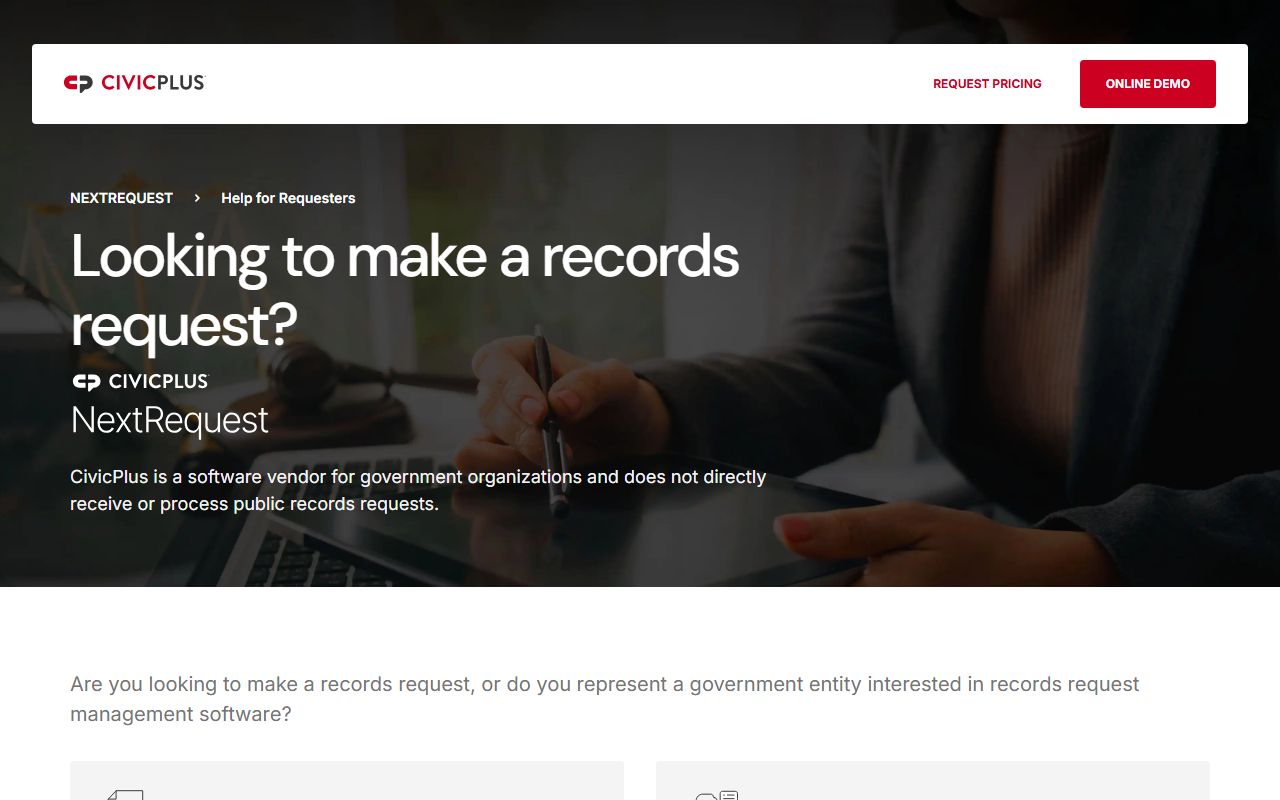
It shows the online intake route, but the police department pages remain the real source for the request rules.
The Rock County sheriff records request page at Rock County records requests is the best county fallback for a Janesville Police Records search.
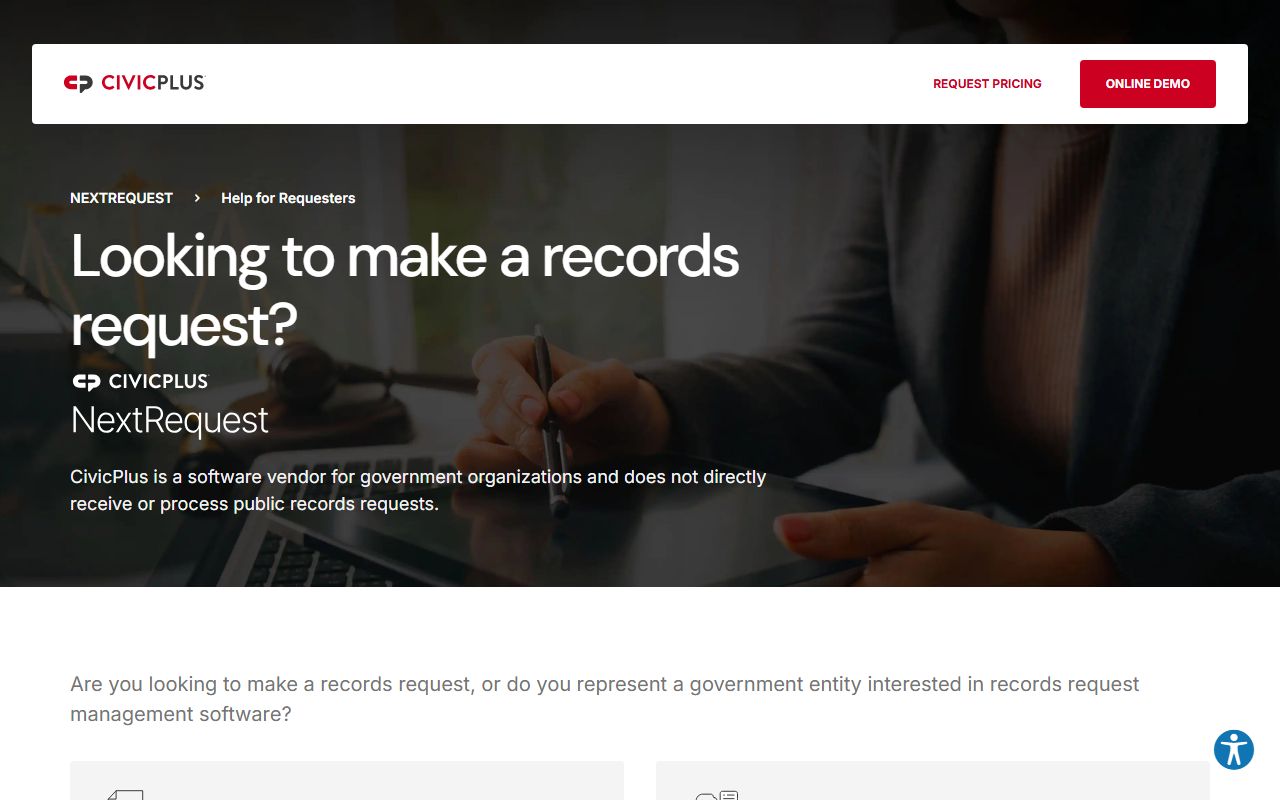
Use it as a county support point when the incident created county files, county court material, or county law-enforcement records.
Janesville Police Records Help
If you are not sure where to begin, pick the record type first. A police report belongs with the police records portal. A belated incident that fits the self-report form belongs with the incident report form. A citation belongs with the payment and courts pages. A crash belongs with the state crash portal. That is the easiest way to keep Janesville Police Records from being sent to the wrong office.
It also helps to be specific. Use the name, date, location, and incident type, and include the case number if you have it. If the incident was outside the city, the police department says you must contact the agency with jurisdiction instead of using the Janesville form. That one rule can save a lot of time when you are working through Janesville Police Records.
The city pages already give you a workable path: police records for the report, the incident report form for qualifying self-reports, citation payments and courts for ordinance cases, the state crash portal for collisions, and Rock County for county-level support. If you use those pages in order, Janesville Police Records become much easier to sort out.