
Search Appleton Police Records
Appleton Police Records are easiest to use when you start with the kind of record you want and the office that actually controls it. Some requests begin with the Records Division, some go through the city public records form, and others are better handled through online reporting, the community resources page, or the state crash-report system. That is why Appleton rewards a careful first step. If you know whether you need a report, a request form, a crash record, or a transparency document, the city pages point you in the right direction without forcing you to guess.
Appleton Police Records Requests
The public records form is the best starting point for Appleton Police Records that need a formal city response. The PDF lists the Police Department at 222 South Walnut Street and explains that public records requests should go to the appropriate city department or custodian of record. It also says requests should be clear and specific and should include the time period if possible. That makes the city process practical rather than mysterious. Appleton Police Records are easier to locate when you describe the file the way the department will search for it.
The form also shows that the city may respond with inspection only, a physical copy, or an electronic copy depending on the record. It warns that a broad or unclear request may require follow-up or may not be fulfillable as written. That is a useful reminder that Appleton Police Records requests work best when the public narrows the date, incident type, or file type before sending anything in. The city also notes that requests may involve a location fee or duplication fee, and that some fees may need to be paid in advance when the total gets above the stated threshold.
For basic contact context, the Appleton Police Department records phone number listed in the research is 920-832-5500, with Records Division hours from 7:30 AM to 4:00 PM Monday through Friday. Those hours matter when you want to follow up on a request, verify whether a record is ready, or ask whether a file is likely to be withheld because it is still under review. Appleton Police Records move faster when the request goes to the right desk the first time.
Appleton Police Records and Online Reporting
The city’s online reporting page is useful for a narrow slice of Appleton Police Records. It is designed for certain theft and damage reports when the loss happened inside Appleton, the value is under $1,000, there are no known suspects, there was no unlawful entry into a house or garage, and the incident was not a vehicle accident. That is a limited tool by design. The point is to keep minor events moving without pulling an officer away from calls that need in-person attention.
Once the form is submitted, the department creates an incident number and mails a Victim Information Form to the address on the report. That keeps the process tied to the official record even though it starts online. If your situation falls outside the reporting rules, the online form is not the right choice and you should use the Records Division or another city contact instead. Appleton Police Records work best when the report path matches the event type.
Use the online reporting system only when the event fits the city’s own criteria.
- The loss occurred within the City of Appleton
- The loss involved theft or damage to personal property
- The value was under $1,000
- No known suspect is associated with the incident
- No entry was made to a structure, dwelling, home, garage, or apartment
If any of those pieces do not fit, the online form is probably the wrong route. That is not a problem with Appleton Police Records. It is just the city separating minor self-reports from more serious incidents that need a full police response or a different records path.
Appleton Police Records, Community Resources, and Transparency
The community resources page is one of the most useful transparency tools connected to Appleton Police Records. It covers Neighborhood Watch, Project Safe Response for people with dementia, autism, or other cognitive impairments, and the Victim Crisis Response Team. Those programs show how the department combines public safety with community support. They are not records requests, but they do explain the context in which Appleton Police Records are created and used. The same page also points the public toward broader community engagement rather than treating policing as a closed system.
Appleton’s transparency work does not stop there. The 2024 Use of Force Analysis is a detailed public document that explains the department’s review process, documentation standards, and yearly force data. It shows how the department reviews force incidents, uses supervisors and review teams, and reports training themes. That kind of document is valuable because it gives the public an official, city-authored way to understand how Appleton Police Records are created during high-stakes encounters. It is also a better source than rumors or social media commentary when you want a real picture of department practice.
The community dashboard and related public data tools provide another layer of context. They do not replace a report, but they do let a researcher look at incident patterns and service calls in a broader map-based way. For Appleton Police Records, that matters because a single report often makes more sense when you can see it beside other incidents in the same area or time frame. The dashboard is a useful companion to the written records, not a substitute for them.
Appleton Police Records and Accident Reporting
Accident records in Appleton now follow a more modern path than the old city portal. The retired accident report page at Appleton Police Records accident inquiry says the online portal is no longer active and points users to the Wisconsin State Patrol crash-report system instead. That is important because it tells you where the city wants crash-related Appleton Police Records to go now. The legacy page still matters as a clue, but it is not the operating system for new requests.
If you are looking for a Wisconsin crash report, the state system at crashreports.wi.gov is the better first stop. The Appleton research also makes clear that the Records Division can still answer questions about whether a report is ready, how to get it, and what the office can release. That gives you two parallel paths. The state portal handles statewide crash access, while the city Records Division helps when you need help with a local Appleton Police Records question that the portal does not solve by itself.
The practical lesson is simple. Use the state crash system for reportable accidents, but keep the Records Division phone number handy if you need clarification, timing help, or a local follow-up. Appleton Police Records are easier to manage when you treat the crash portal and the records desk as complementary tools rather than competing ones.
Appleton Police Records, Court Lookup, and the GIS Dashboard
When Appleton Police Records lead to a court case, Wisconsin Circuit Court Access is the natural follow-up. WCCA shows public case information and helps you confirm whether an incident became a criminal, traffic, or other court matter. That is useful when a police report is only the first step and the case later moves into a court file. It also helps if you are trying to see whether a city record and a court docket line up on the same date or case number.
The city GIS experience builder adds another layer of public context. The dashboard at Appleton GIS public safety dashboard is a map-based tool that can show public safety layers and spatial patterns. It is not a police report, but it can make Appleton Police Records easier to interpret by showing where incidents or service areas sit within the city. That helps researchers, neighborhood groups, and residents understand the record in place rather than in isolation.
For a city that publishes a use-of-force analysis and community resources along with its reporting tools, the GIS dashboard fits naturally into the broader records picture. It gives users a second way to understand the department’s work without asking the Records Division to explain every trend by hand. Appleton Police Records and the GIS tools work best together when the question is about patterns, geography, or citywide context.
Appleton Police Records Images and Routing
The city contact page at Appleton Police Records contact page shows the main routing path for the Records Division and department contact information.
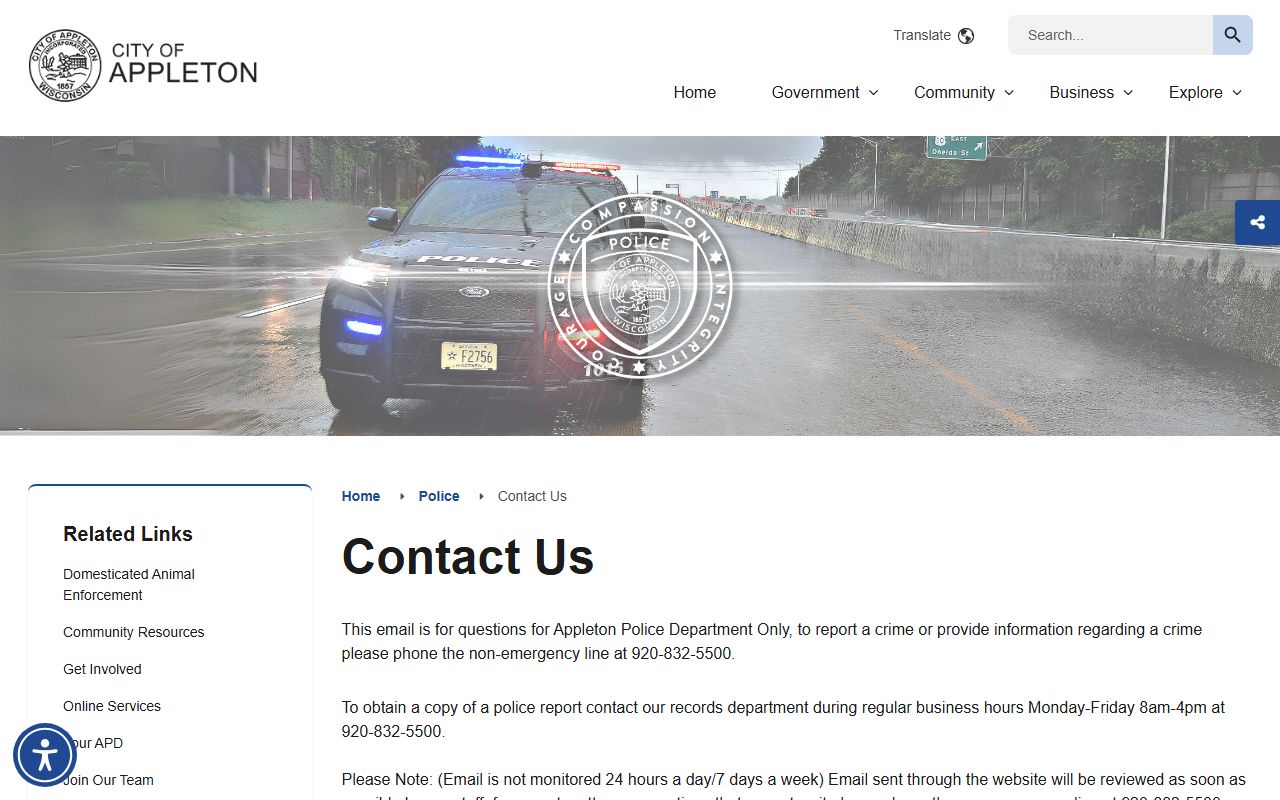
That image is useful because it ties Appleton Police Records back to the city office that handles questions and walk-in contact.
The records request page at Appleton Police Records request page shows where the city sends people who need a formal records request.
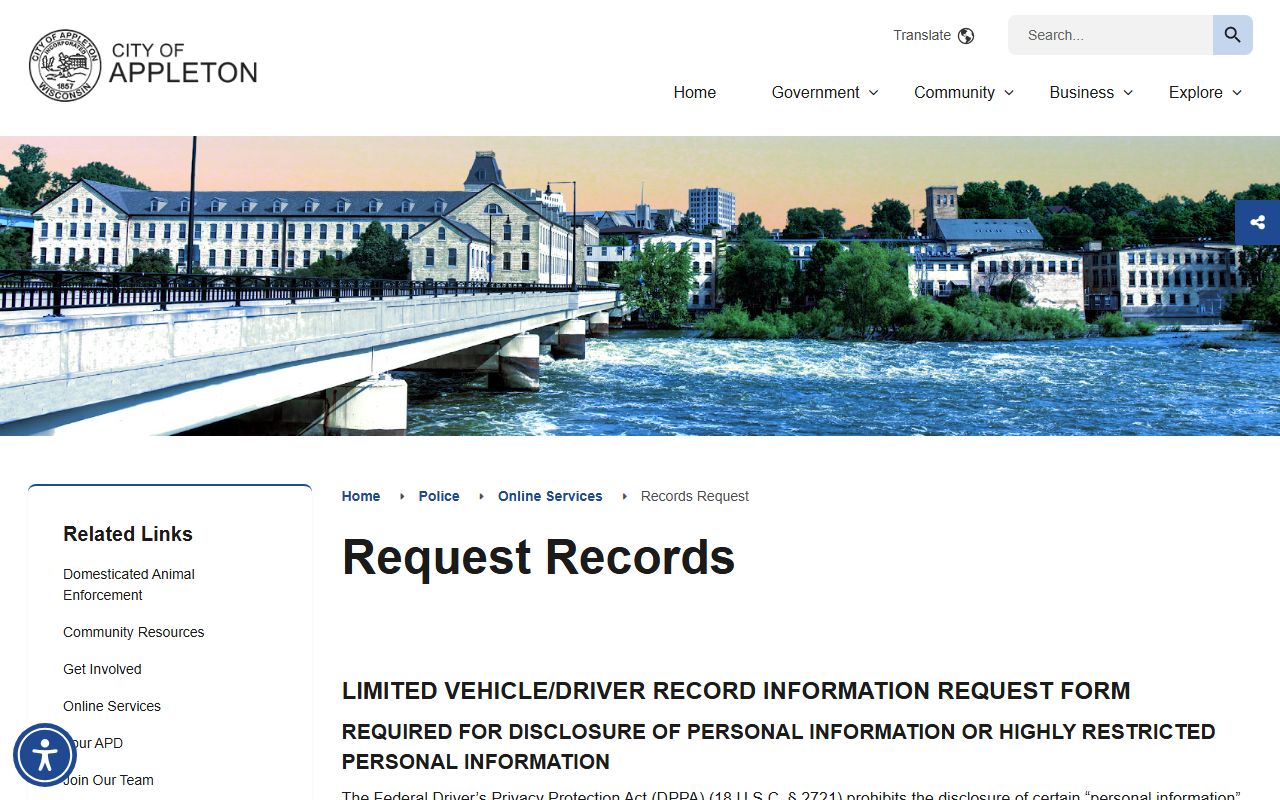
It is the clearest visual cue for how Appleton Police Records requests begin before the city decides what can be released.
The city’s NextRequest portal at Appleton Police Records NextRequest portal is a routing clue only and should not be treated as the full policy source.
It still helps show where Appleton Police Records requests are funneled on the vendor side before the city processes them.
Appleton Police Records Help
If your question is broad, start by narrowing it. If you want a report, use the Records Division or the public records form. If you want a minor incident filed online, make sure the event meets the city’s eligibility rules first. If you want a crash report, use the state crash system and then call the city if you still need help. If you want context, the community dashboard and use-of-force analysis add background that a single report cannot provide. That is the easiest way to keep Appleton Police Records organized.
Appleton is a good example of a city where records are spread across a few tools instead of one giant portal. That can feel complicated at first, but it also gives you better control over the kind of information you need. Appleton Police Records may exist as a report, a request form, a transparency document, a crash record, or an incident summary tied to a court file. The more clearly you name the file type, the easier it is for the city to respond.
Once you have that match, the rest of the process is straightforward. Use the right city page, keep your request specific, and follow up with the Records Division if a question is still open. That approach is usually the fastest way to get useful Appleton Police Records without extra back-and-forth.